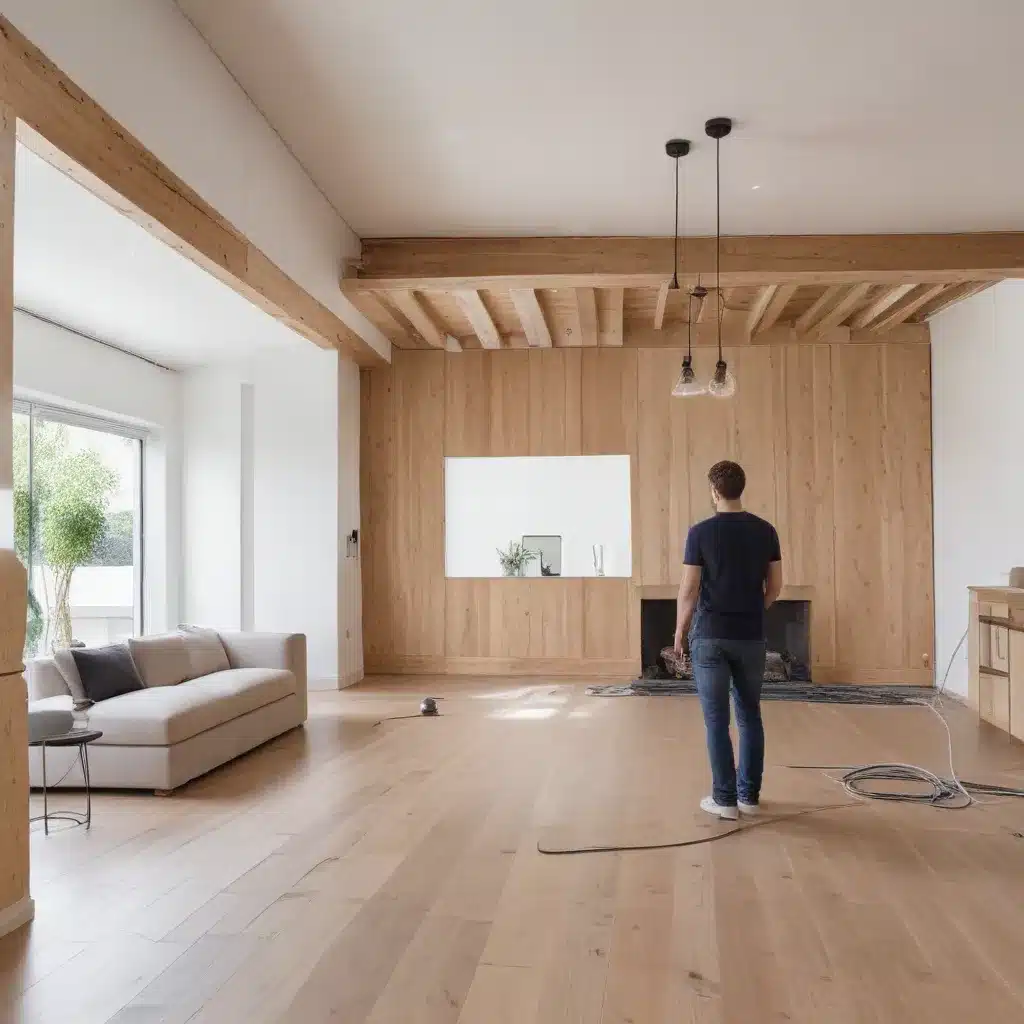
A renovation is the easiest time to plan smart home technology, because walls, ceilings and floors are open. It is also easy to overdo. The useful question is not which gadgets to buy. It is which decisions become expensive to change after plastering, and which can sensibly wait until you have lived in the space.
This guide covers lighting, heating, Wi-Fi and data, existing devices and handover. It assumes you still want ordinary wall switches that anyone can use, including guests and people who never open the app.
Start with how the rooms will be used
Before you talk to trades, walk through each room. Note where people enter, where they sit, where they cook and who else uses the space. A hallway used by visitors needs obvious switches by the door. A kitchen needs light where the work happens. A home office needs a dependable connection more than it needs automation.
That list becomes your brief for the electrician and anyone else working on fixed services. It also helps you avoid paying for cable to a position nobody will use.
Decide before the walls close
CEDIA’s homeowner guidance on smart home decisions to make early in a renovation makes the central point. Not every smart device needs a fixed connection, but where control panels or other systems do need fixed power or data connections, these should be planned and routed before plastering. Some rooms may also need more power points.
Lighting and wall switches
Lighting is the area most likely to cause regret. CEDIA notes that smart lighting can be one of the most expensive systems to retrofit, because some systems need switches wired back to a central control point, which differs from how ordinary switching is usually wired. Not all smart lighting works this way. You do not have to choose a product now, but you should check with a qualified electrician whether to keep that option open.
- Agree switch positions room by room, at the doors people actually use.
- Decide whether any lighting might later be controlled centrally, and ask your electrician what that means for cable routes.
- Keep a physical switch in every room. Smart control should be an extra, not the only way to turn a light on.
Heating controls
Smart thermostats and heating controls are not universal. Whether a particular controller works with your boiler, heat pump or other heating system depends on the exact models involved. Check compatibility with the manufacturer and your heating engineer before you commit to a wall position. Make sure the heating can still be adjusted clearly at the controller itself.
Wi-Fi and data
Many smart devices depend on your home network. While the walls are open, decide where the router will live. Then consider whether a home office, a television area or the far end of an extension needs a wired data point. A connection planned now is usually less disruptive than one added after decorating.
Kitchens and other busy rooms
Kitchens bring lighting, appliances and people together in one space. Consider these points:
- where task lighting falls on the worktops;
- where a smart speaker or display could sit without trailing cables;
- whether appliance positions have power where you expect it.
Keep simple switches that everyone in the household can find and use easily.
What can wait
Many choices are better made after you move back in:
- plug-in smart speakers, displays and lamps;
- smart bulbs in existing fittings;
- scenes, schedules and automations;
- which app or voice assistant you prefer.
A simple rule applies here. Anything that needs a new cable, a new power point or a new switch position belongs in the renovation plan. Anything that plugs in or is set up in an app can usually wait.
Keep it usable without the app
The UK government and NCSC guidance on using smart devices safely in your home notes that some devices work without an internet connection. Others may need an internet connection, a smartphone app or an account. It suggests checking the manufacturer’s website for details before you rely on a device.
This matters for everyday life. A guest, a babysitter, an older relative or someone whose phone has gone flat should still be able to:
- turn lights on and off at the wall;
- change the heating without an app;
- find the controls they need without asking for help.
Existing devices, updates and handover
List the devices you already own. Check with each manufacturer whether the device is still supported and how it receives updates. The same government guidance advises several steps:
- change any default password that looks easily guessable;
- switch on automatic updates where they are available;
- install manual updates when prompted.
At handover, ask for a simple record and keep it somewhere the whole household can find it:
- each device, its make and model, and where it is installed;
- which app or hub controls it, and whose account it is registered to;
- how to operate it manually;
- where to find the manufacturer’s support and update information.
A worked example: the planning and handover test
Run this test twice. The first time is on paper before first fix, using your drawings and room list. The second time is at handover, with everything switched on. Go through each scenario with the people who will live in the home.
| Scenario | What to check | It passes if |
|---|---|---|
| The broadband is down | Lighting and heating controls | Every room can be lit from the wall, and the heating can be changed at the controller |
| A guest stays and has no app | Switches in the hallway, guest room and bathroom | They can find and use each control without help |
| The main account holder is away | Who else can change settings | Another household member knows how, or the limits are written down |
| An update notice arrives | Who receives it | A named person will act on it |
| A device stops working | The handover record | The make, model and support page can be found quickly |
If a line fails on paper, change the plan before plastering. If it fails at handover, raise it with the trade responsible before they finish.
Checklist before first fix
- Room-by-room use list agreed with the household
- Switch positions marked, with a physical switch kept in every room
- Lighting control approach discussed with your electrician
- Heating controller compatibility checked for your exact models
- Router position and any wired data points decided
- Extra power points identified for planned devices
- Handover record requested
Fixed wiring, electrical and heating work should be carried out by qualified trades. Rules on notifiable work and building approvals vary across the UK, so ask your electrician or local authority what applies to your project.